FOXAI Technologies Inc. · Alberta

Technology infrastructure.Designed. Integrated. Verified.

10G-ready cabling, fiber, Ubiquiti networks, video security, audiovisual and automation—planned as one supportable system. Residential appliance service follows its own dedicated path.

01 / SCOPE Architecture before equipment Scope pathways, capacity, outcomes and constraints.
02 / EXECUTE Integrated technology systems Network, fiber, security, AV and control stay connected.
03 / VERIFY Verified handoff Test, label and document the approved result.
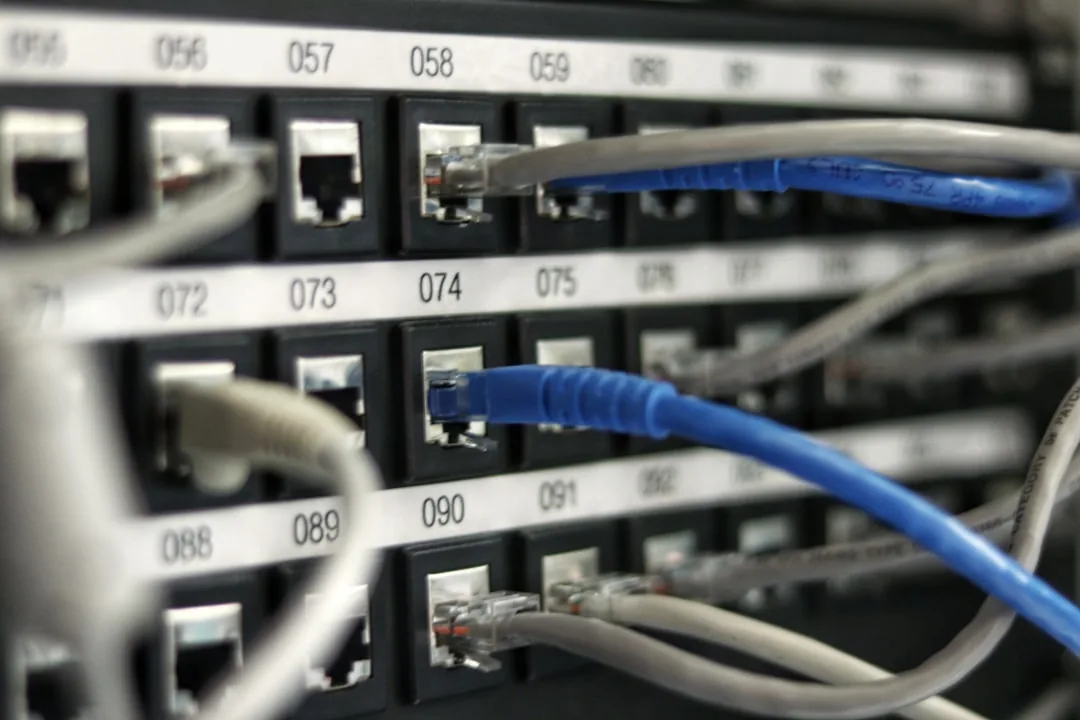
Professionally integrated network rack with Cat6A patching, fiber links, managed PoE switching and UPS
INTEGRATED INFRASTRUCTURE Pathway. Core. Edge. Evidence.

A concrete system view: Cat6A, fiber, managed PoE, 10G capacity and rack power planned together.

10G READYFIBER BACKBONEMANAGED PoE
TECHNOLOGY INFRASTRUCTURE · BUSINESS + CONNECTED HOME

From pathway to platform.

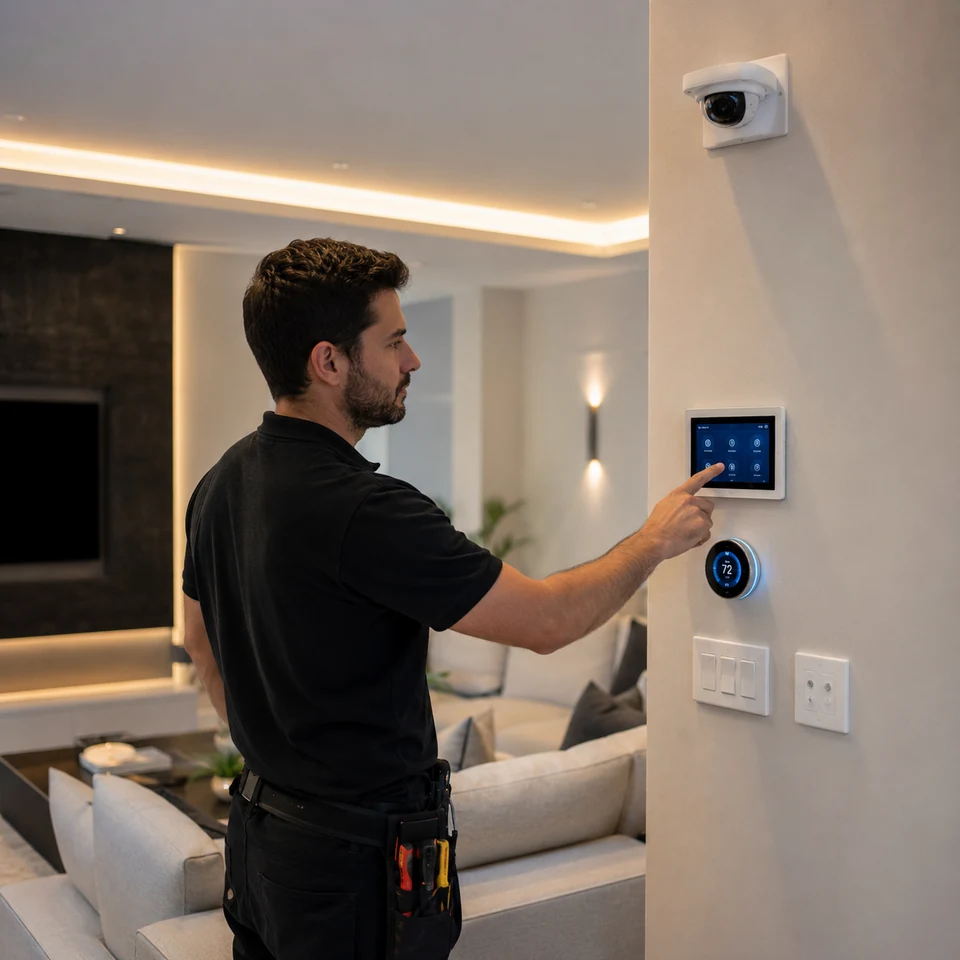
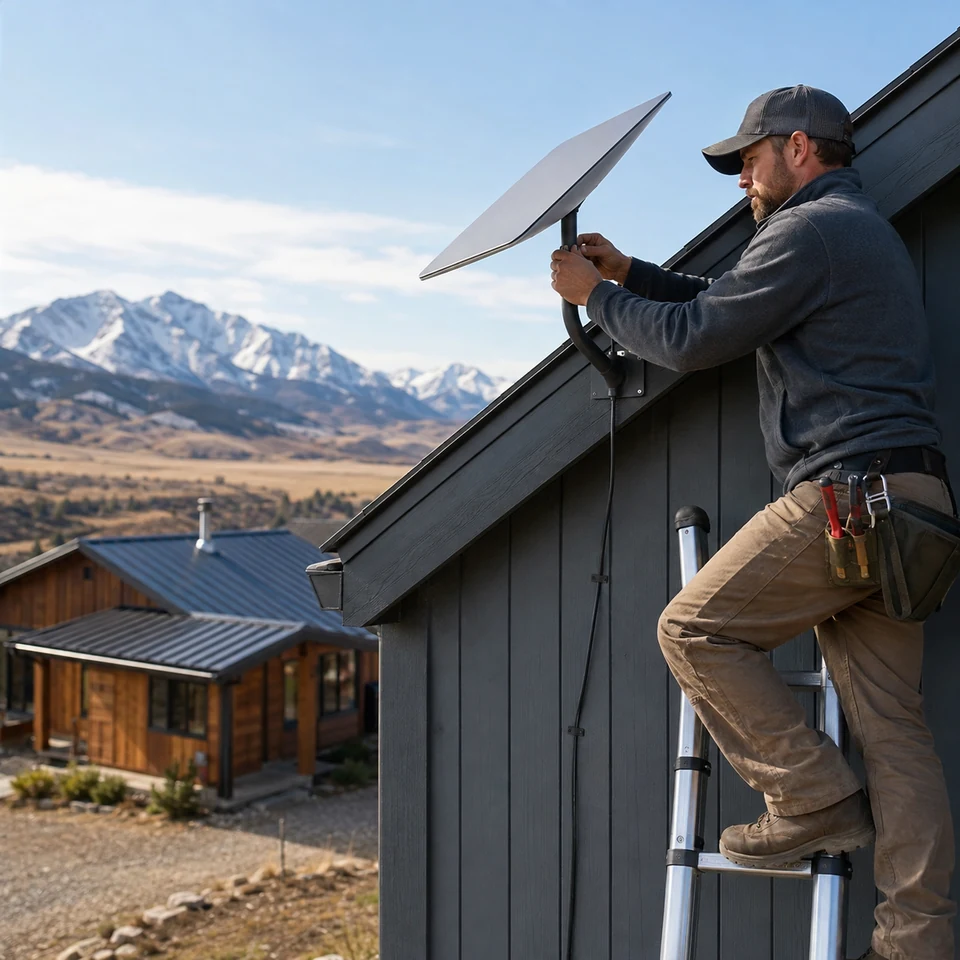
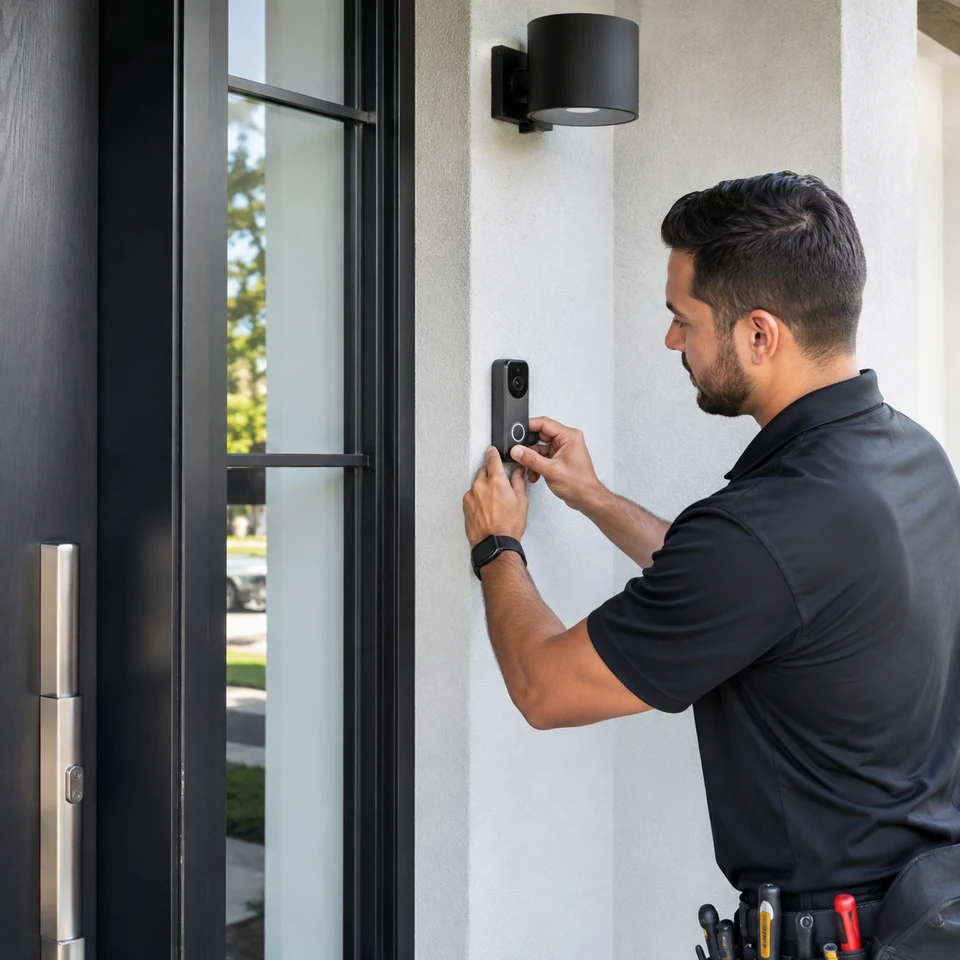
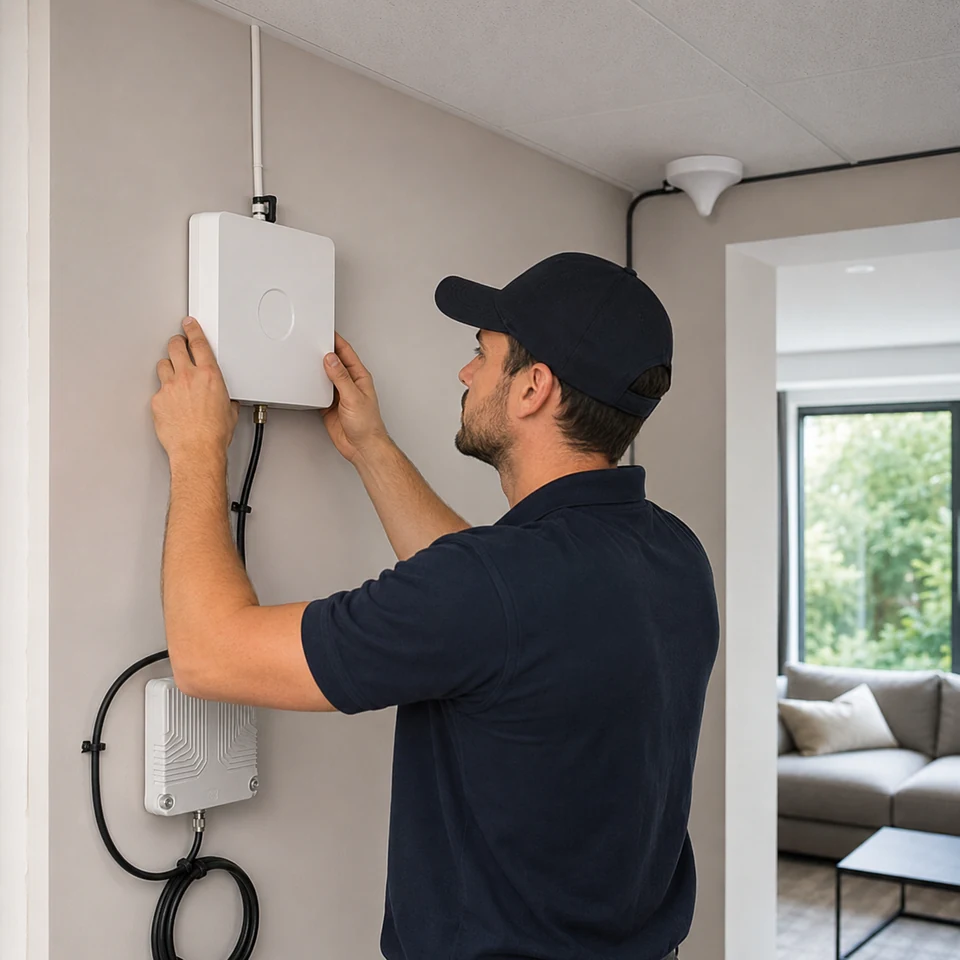
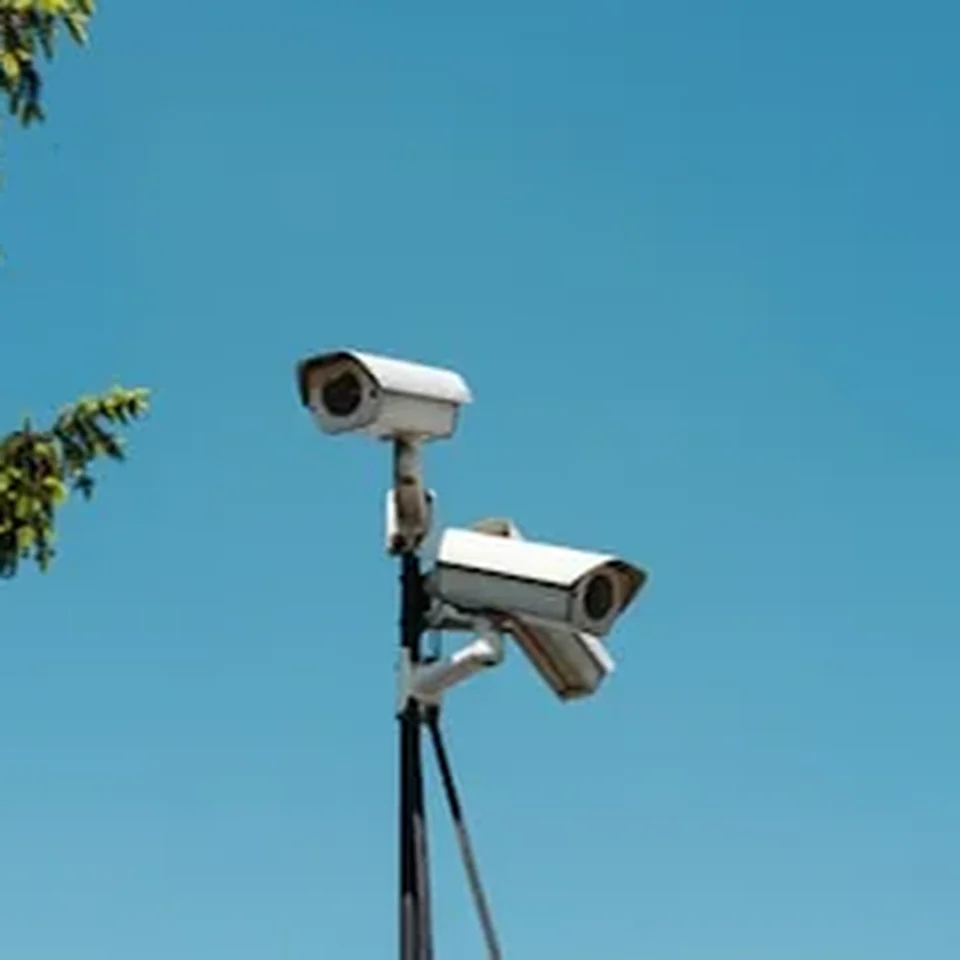
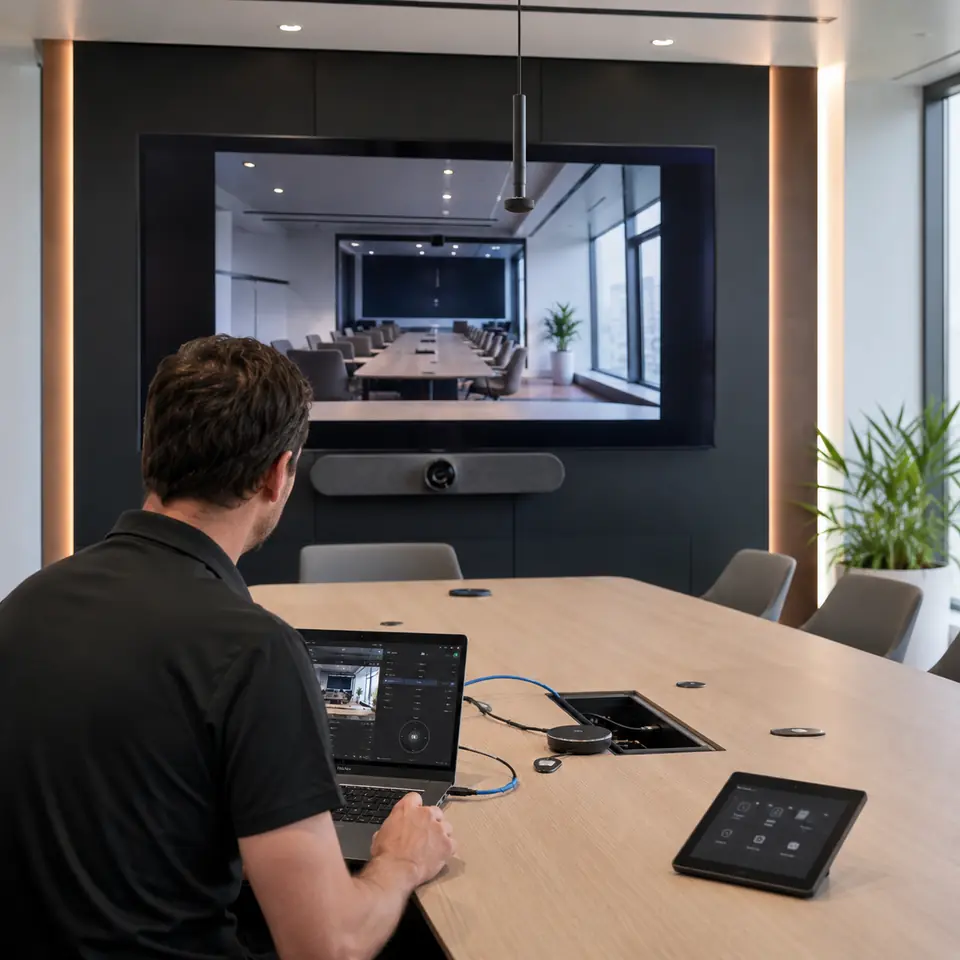
FOXAI connects the physical layer to the systems people actually use. The work can span cable pathways, fiber backbones, network edge, security, collaboration rooms, connected-home controls, satellite internet and cellular coverage equipment.

COMPATIBLE ECOSYSTEMS
Ubiquiti UniFiHikvisionMicrosoft Teams RoomsCrestron · Extron · Q-SYSCisco · Fortinet · ArubaStarlinkLutron · Nest · Ring · SonosFluke · Panduit · CommScope · Belden
Brand names identify relevant third-party ecosystems. No manufacturer authorization, endorsement or formal partnership is implied unless expressly documented.
SYSTEM READINESS PHYSICAL LAYER

Before devices come online, the infrastructure has to be ready.

PATHWAY Route · support · separation
MEDIA Copper · fiber · signal
EDGE Rack · PoE · network
ENDPOINT Camera · display · room · smart device

FOXAI scopes these layers together so a device install is not treated as an isolated box on the wall.

PROJECT LIFECYCLE

Plan it like a system.

  1. SCOPE Site, drawings, quantities, pathways, access and target outcome.
  2. BUILD Install, terminate, mount, dress, label and coordinate.
  3. VERIFY Test connectivity, signal path, device state and physical handoff.
  4. HANDOFF Leave the system easier to identify, support and expand.
USEFUL PROJECT INPUT

Better information creates a better first scope.

  • Floor plans, reflected ceiling plans or marked-up photos
  • Approximate cable, device, camera, automation, doorbell or room quantities
  • Rack, telecom room and pathway information
  • Construction phase and access windows
  • Existing platform or equipment standards
Open the technology project checklist →
RESIDENTIAL APPLIANCE SERVICE

From a strange noise to a finished install.

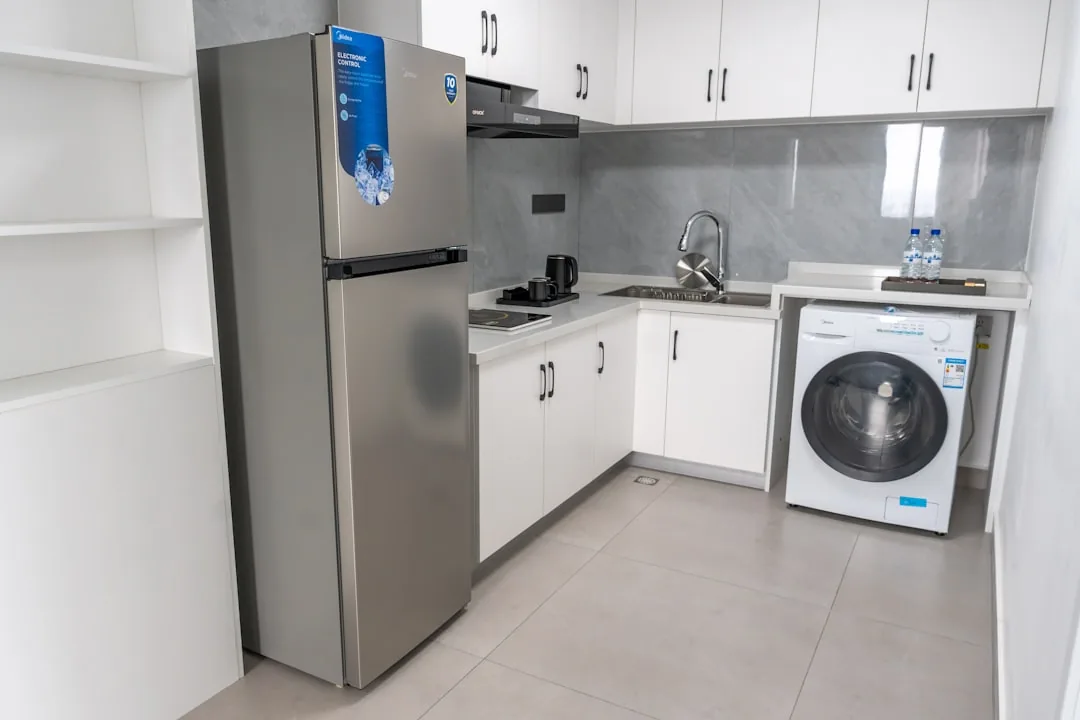
FOXAI keeps appliance service practical: identify the appliance, understand the symptom or installation need, collect the useful details, and route the request to the right next step.

COMMON MANUFACTURERS
WhirlpoolMaytagKitchenAidAmanaSamsungLGGEFrigidaireElectroluxBosch
Brand and model details improve intake. Brand names do not imply authorization, endorsement or formal partnership.
DIAGNOSE

Start with the symptom.

Tell us what the appliance is doing—or not doing. Error codes, unusual sounds, leaks, temperature problems and when the issue started all help narrow the first conversation.

Explore diagnostics →
SERVICE PATH

Four useful steps before the wrench turns.

  1. Identify Appliance type, brand and model when available.
  2. Describe Symptoms, error codes, photos or installation goal.
  3. Confirm Access, utilities, timing and service availability.
  4. Route Diagnostics, repair or installation to the right request path.
MAKE THE VISIT MORE USEFUL

A little information saves guesswork.

  • Model number or appliance label photo
  • Clear photo of the appliance and surrounding space
  • Error code or symptom description
  • When the problem happens and how often
  • For installs: opening dimensions and connection details
Open the appliance checklist →
FOXAI Scope Lab · SignalPrint

Turn a project idea into a proposal-ready brief.

Build a SignalPrint, model a conservative high-side range for 10G, fiber, Ubiquiti, security and rack infrastructure, then carry the assumptions directly into the FOXAI request form.

Runs locally in your browser until you choose to send.
SCOPE / SIGNAL / HANDOFF
Example planning signature FX14-T-OFF-RET-CBL.FBR-7C2E Technology · Office · Retrofit · Cabling + Fiber
Not a quote or service reference.
The working method

Scope it. Build it.
Verify it. Support it.

The best-looking install is not enough. FOXAI’s workflow is designed around clarity before the work, organization during the work and a cleaner handoff afterward.

01 · SCOPE

Understand the environment

Clarify the site, service need, routes, equipment, symptoms, constraints and access before the work begins.

02 · BUILD

Execute cleanly

Keep pathways, device placement, terminations and service access organized with future support in mind.

03 · VERIFY

Test the result

Confirm connectivity or appliance operation, correct faults and avoid handing over an unresolved problem.

04 · SUPPORT

Leave a clear next step

Make the completed work easier to understand, service, expand or revisit when the environment changes.

FOXAI capability reel

A quick look at the work behind the walls.

A lightweight visual reel covering technology infrastructure, security, audiovisual, fiber and residential appliance service.

Explore capabilities →

Representative capability imagery from the FOXAI site. No autoplay, no third-party player and no tracking.

0:00 / 0:00
Your move

Tell FOXAI what needs to work.

Send the site, scope, symptoms or service need. We’ll route it to the right division and start with the information that matters.