Scope
Confirm the selected device, existing button/chime, transformer access, mounting surface, Wi-Fi and desired viewing angle.

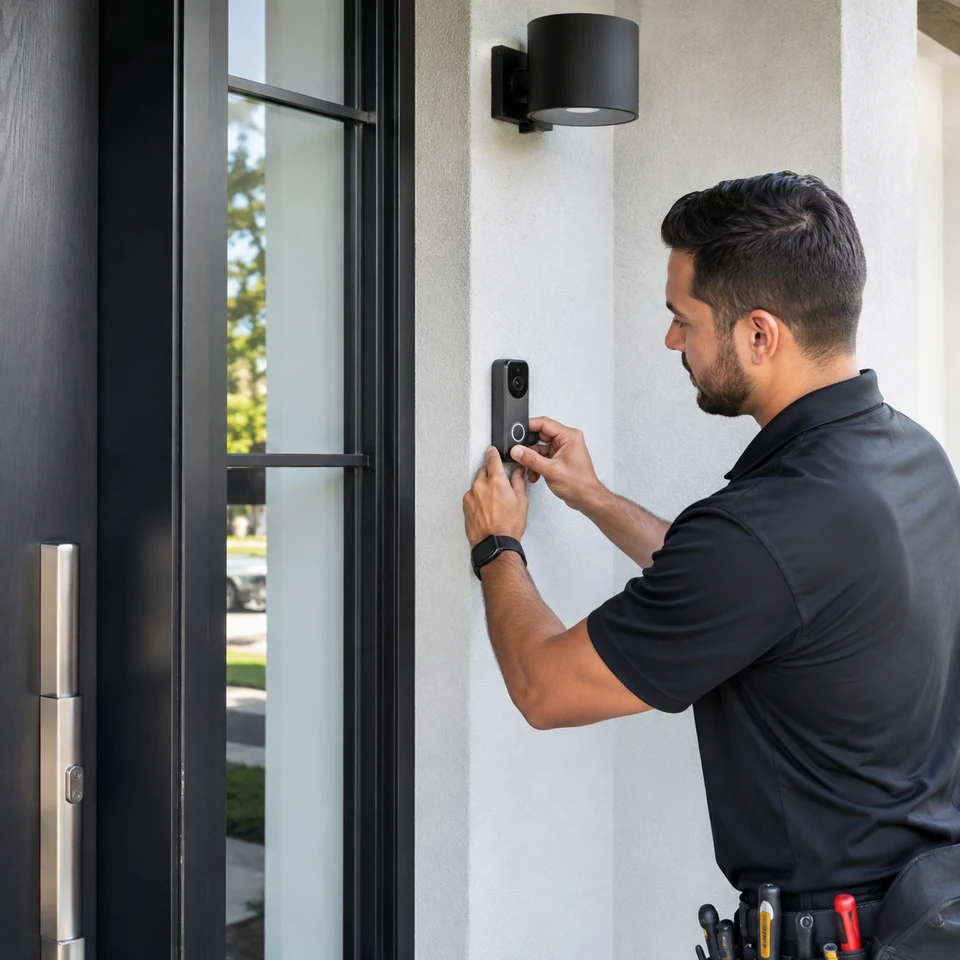
Smart and video doorbells installed with correct placement, wiring or power setup, connectivity and app-ready operation.
A smart doorbell installation should account for placement, sightline, power, Wi-Fi reach, app setup and how the device fits the wider home-security or automation ecosystem.
Device compatibility, transformer output, chime type, mounting surface, camera angle, Wi-Fi strength and account access should be known before the old doorbell is removed.
Replacement, renovation and new-device requests are a good fit when power, sightline, network reach and the desired chime or app behaviour can be reviewed together.
A doorbell is ready only when the device mounts correctly, receives stable power, sees the intended area and reaches the approved user account.
Confirm the selected device, existing button/chime, transformer access, mounting surface, Wi-Fi and desired viewing angle.
Plan the bracket or wedge, low-voltage wiring, chime interface, network connection and account responsibility.
Mount and connect the device without concealing unresolved power, weather or surface issues.
Test button press, chime behaviour, live view, audio and approved notifications on the intended device.
The handoff should cover the physical entrance and the connected experience while keeping account and subscription responsibility explicit.
Confirm button, camera, audio and notification behaviour.
Leave wiring, chime components and mounting hardware secure and understandable.
Identify the installed device and basic app/account handoff completed in scope.
Document transformer, Wi-Fi, subscription or surface conditions that limit the result.
Send the device model, photos of the entrance, existing chime and transformer if accessible, Wi-Fi concerns and the result you want.
Smart entry stays understandable when placement, low-voltage power, Wi-Fi, account access and notification testing are scoped as separate dependencies.