Scope
Review service status, intended use, obstruction information, possible mounts, roof/wall condition, cable entry and indoor equipment location.

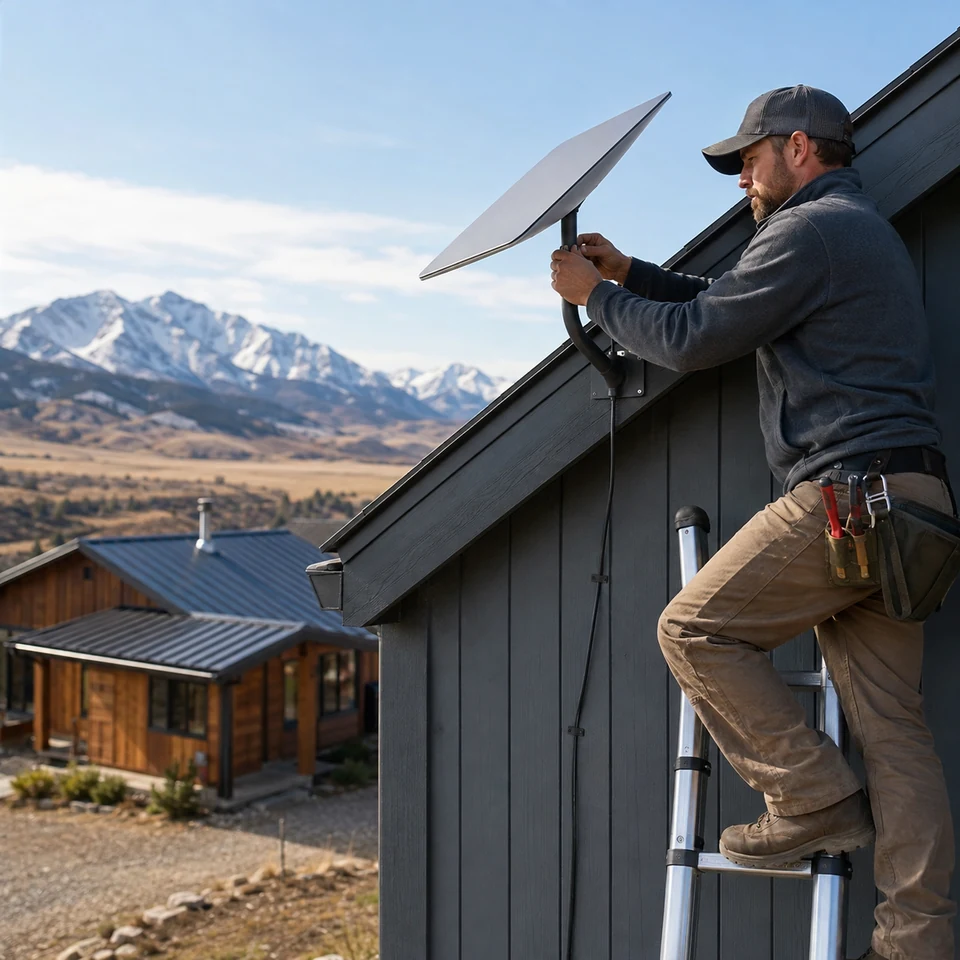
Satellite internet hardware installed with careful mounting, protected cable routing, router placement and a clean network handoff.
Starlink service quality depends on more than the dish. Mount location, cable protection, power, router placement and the handoff into the building network all shape the real result.
Obstruction conditions, mount suitability, safe access, weather exposure, cable route, building entry, power and indoor distribution determine the installation approach.
Platform note: Starlink is a third-party platform. References identify the system being installed and do not imply affiliation, authorization or endorsement by Starlink.
Rural homes, remote operations, temporary sites and properties with limited wired service may benefit when sky visibility and the indoor handoff are planned together.
The installation should protect the exterior route, preserve safe service access and deliver the connection to the part of the building where it is actually needed.
Review service status, intended use, obstruction information, possible mounts, roof/wall condition, cable entry and indoor equipment location.
Confirm approved mounting method, route protection, penetration responsibility, power, router placement and any network extension.
Mount and route approved equipment with weather-aware exterior organization and a clean indoor transition.
Confirm online status and the agreed router, Wi-Fi or wired handoff while documenting environmental or service limitations.
Satellite performance varies with service and conditions. The closeout should verify installation function without promising carrier-controlled speed or uptime.
Confirm the terminal is online and reporting normal status at handoff.
Identify mount, exterior cable, entry point, power and router route.
Review the approved indoor connection and any included network extension.
Document obstructions, account/service, building-condition or coverage issues outside scope.
Send the location, building type, service status, preferred mount area, roofline/site photos and where the indoor connection is needed.
Starlink is treated as a third-party internet platform with FOXAI responsible only for the approved physical installation and network handoff scope.